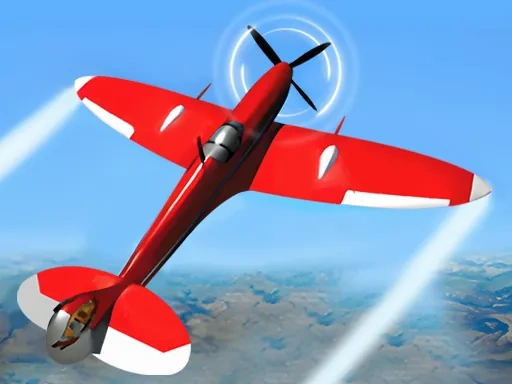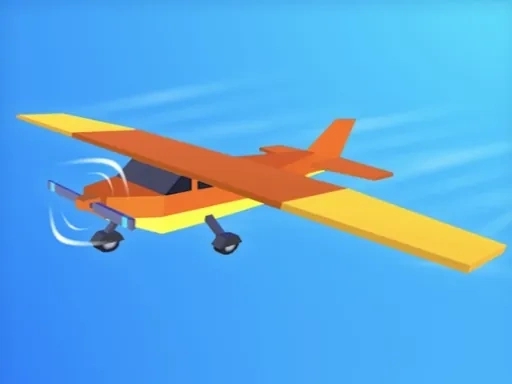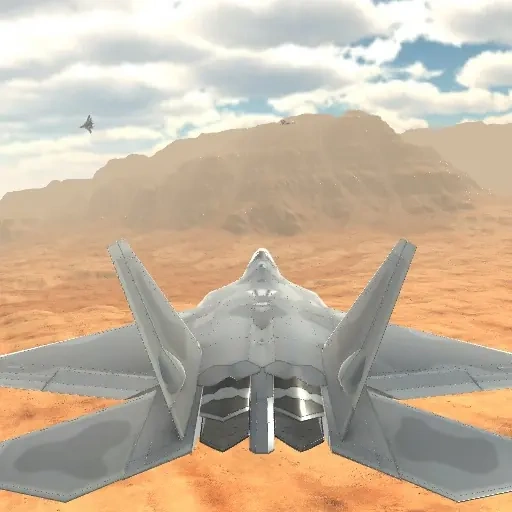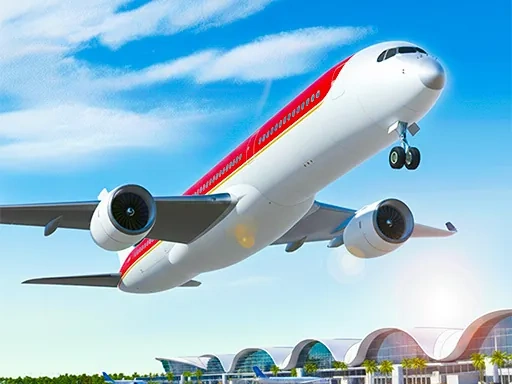
Welcome to Airplane Simulator Game, where you step directly into the role of a pilot and experience the complete journey of flight. This simulation focuses on the core cycle of aviation: planning your route, executing a smooth takeoff from a detailed airport, navigating your aircraft through dynamic skies, and achieving a precise and safe landing at your destination. In Airplane Simulator Game, you are in full command. You'll manage the aircraft's systems, respond to changing weather conditions depicted through realistic cloud layers, and guide your plane across a vast, open world. The primary challenge and satisfaction come from mastering the controls to handle these powerful machines, making each flight a test of skill and concentration. The environment is designed to be visually engaging, offering varied landscapes and skies to traverse as you complete specific missions or simply explore. The controls are built to be intuitive, allowing you to focus on the piloting experience rather than complex inputs. Every journey in Airplane Simulator Game is a self-contained adventure, from the moment you throttle up on the runway to the second your wheels touch down. Your objective is clear: transport your aircraft from point A to point B successfully. This continuous loop of takeoff, navigation, and landing forms the heart of the gameplay, providing a genuine and focused aviation simulation. The world is yours to fly, and the cockpit awaits your command in Airplane Simulator Game.
Airplane Simulator Game Instructions
Q: How do I control my aircraft in the Airplane Simulator Game?
A: Use the W key or the Up Arrow to move forward, and the S key or Down Arrow to move backward. To turn left or right, use the A key/Left Arrow or D key/Right Arrow respectively.
Q: How do I interact with menus and buttons in the Airplane Simulator Game?
A: You can click directly on any button or menu option shown on the screen using your mouse.