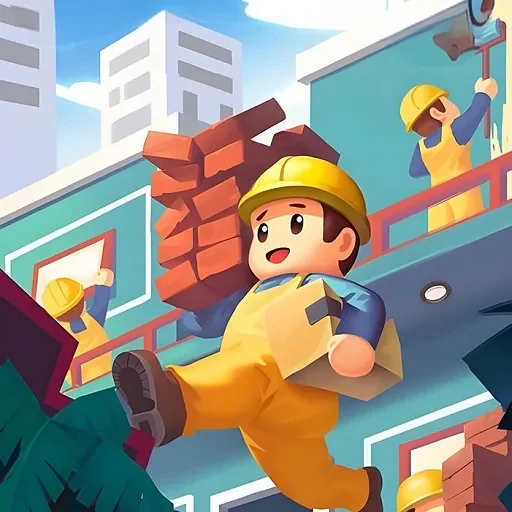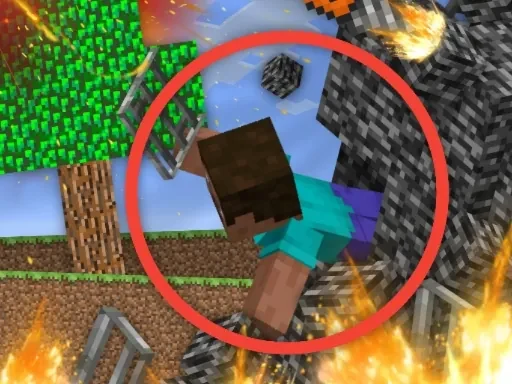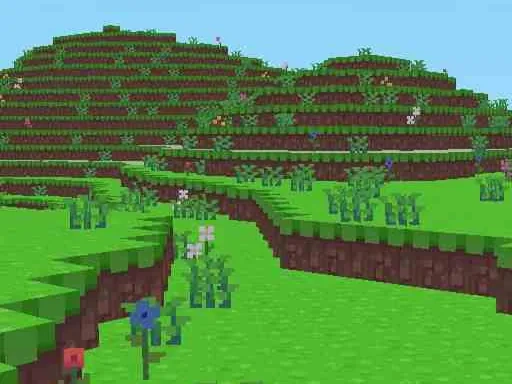
Block Craft delivers the quintessential PC building and crafting experience directly within your web browser, eliminating the need for downloads or complex installations. This game is designed for players who find joy in creation, offering a vast, block-based canvas where your architectural visions can come to life. In Block Craft, the primary focus is on unhindered construction; the survival elements common to other crafting titles are removed, allowing you to concentrate purely on designing and building. You have access to an extensive and unlimited palette of building blocks, providing the fundamental tools to shape your world according to your imagination. The core appeal of Block Craft lies in this endless creative freedom, enabling you to construct everything from simple structures to massive, intricate landscapes and sprawling cities, all composed of distinctive blocky elements. The intuitive interface and controls are tailored for a seamless building process, making it easy to translate your ideas into the game world without frustration. As a free-to-play title, Block Craft makes high-quality creative gaming accessible to everyone, inviting you to start a project at any time. Whether you aim to recreate famous landmarks, design fantastical environments, or simply experiment with different block combinations, Block Craft provides the perfect digital sandbox. The game encourages exploration of different architectural styles and collaborative projects, fostering a community around shared creativity. Dive into Block Craft today to begin your personal adventure in world-building, where the only limit is the scope of your own creativity within this engaging and addictive online building game.
Block Craft Instructions
Q: How do I move my character in Block Craft?
A: Use the W, A, S, and D keys on your keyboard to walk forward, left, backward, and right through your Block Craft world.
Q: How do I place and remove blocks in Block Craft?
A: To build, position your cursor and right-click to place a block. To break or remove a block, left-click on it.
Q: How do I open my inventory in Block Craft?
A: Press the E key to access your inventory menu, where you can browse and select all available blocks for construction.
Q: How do I close a menu or pause in Block Craft?
A: Press the ESC key to close any open interface window or to pause your game session.