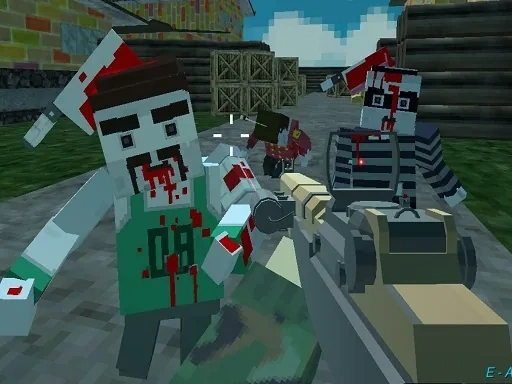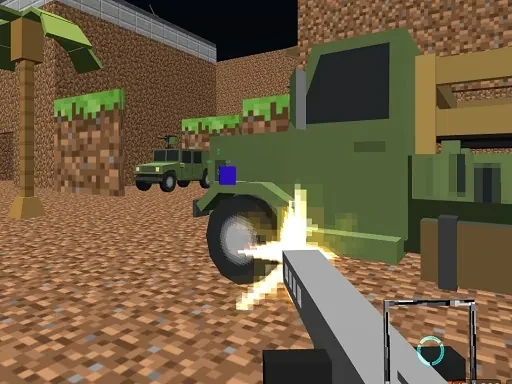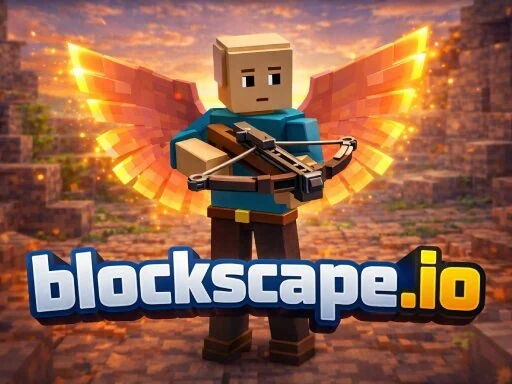
Welcome to Blockscape.io, a persistent online world where your adventure is literally built from the ground up. As the name suggests, Blockscape.io presents a vast, block-based landscape that is yours to explore, shape, and conquer directly from your web browser—no downloads or fees required. Your journey in this voxel MMO begins with the essentials: mining ores, chopping trees, and defending against monsters. Every action you take actively trains one of four core skills, making your character stronger and unlocking new possibilities. This progression is central to the Blockscape.io experience, allowing you to eventually smith powerful gear from the resources you've gathered. The world of Blockscape.io is designed for discovery. You'll venture across unique biomes, uncover hidden locations, and search for rare gems and materials that provide a competitive advantage. However, the true essence of Blockscape.io lies in its vibrant community and player-driven economy. You can trade your hard-earned items with others, team up for greater challenges, or simply chat and build alongside fellow players. Your progress is always saved, allowing you to jump in and out of the Blockscape.io world at your convenience. Ultimately, Blockscape.io is a sandbox that gives you the tools to define your own path. Whether you aim to become a master crafter, a formidable fighter, a savvy trader, or a legendary builder, your legacy in Blockscape.io is crafted one block at a time. The scope of your adventure is limited only by your imagination within this ever-evolving, multiplayer blockscape.
blockscape.io Instructions
Q: How do I move and interact in Blockscape.io?
A: Use WASD to move, Space to jump, and the E key to interact with objects or NPCs.
Q: How do I gather and fight in Blockscape.io?
A: Left-click to mine blocks or attack. Use number keys 1-9 to switch items on your hotbar.
Q: How do I manage inventory and trade in Blockscape.io?
A: Press Tab for your inventory. At a vendor, press the Sell key to trade items.
Q: How do I socialize and change view in Blockscape.io?
A: Press T to chat with players. Press V to toggle between first-person and third-person camera.
Q: Where are the settings in Blockscape.io?
A: Press the Esc key anytime to access the settings menu.