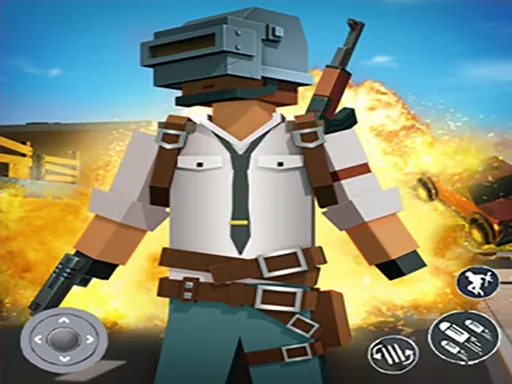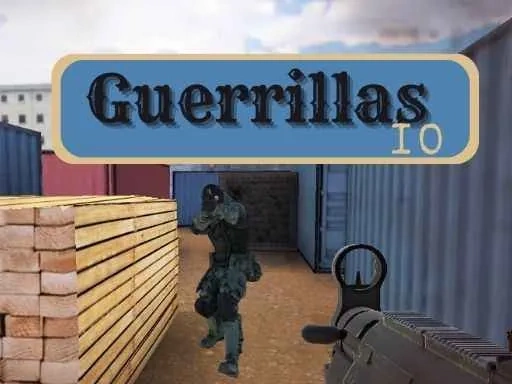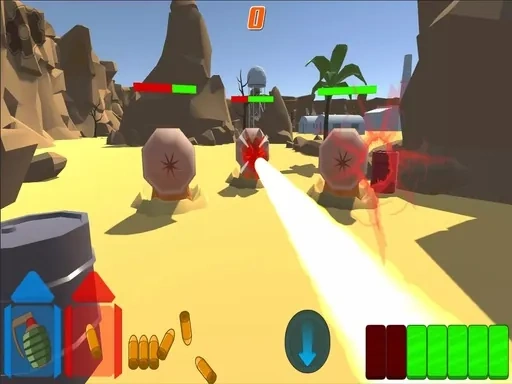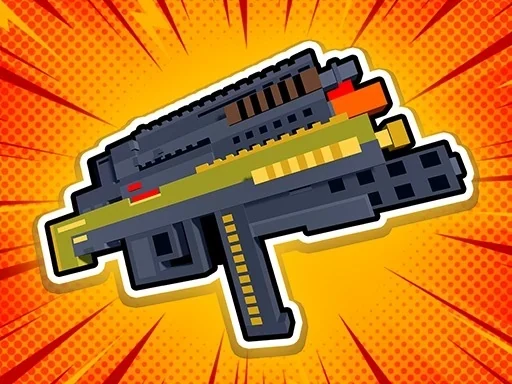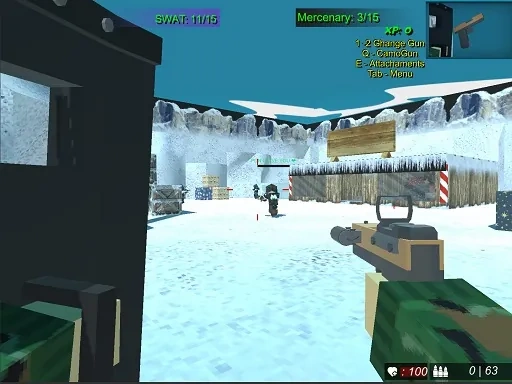
Welcome to Blocky Combat Swat 2, the definitive pixel-art tactical shooter where blocky aesthetics meet intense, squad-based warfare. In this vibrant and strategic sequel, you are thrust into diverse battlegrounds designed for both chaotic fun and calculated teamwork. The core experience of Blocky Combat Swat 2 revolves around uniting with friends or players from across the globe in fast-paced multiplayer matches. You'll navigate 10 uniquely crafted maps, each with its own distinct layout, strategic chokepoints, and visual themes, ensuring that no two rounds ever feel exactly the same. The blocky, low-poly art style is not just a visual choice; it creates clear sightlines and recognizable environments where tactical positioning is key. Your arsenal in Blocky Combat Swat 2 is a major pillar of gameplay, featuring over 24 distinct firearms to progressively unlock and master. From close-quarters shotguns to precision sniper rifles, each weapon category demands a different approach. Beyond simple unlocks, the game allows for meaningful customization of your loadout. A dedicated system lets you modify your primary weapon with various attachments, tailoring its performance to your preferred playstyle, whether you favor stealth, aggressive assault, or supportive fire. Personalization extends to your operative as well. With a collection of more than 40 unique costumes and cosmetic items, you can create a distinctive agent that stands out on the blocky battlefield. This visual customization lets you express your identity while coordinating with your squad. Success in Blocky Combat Swat 2 requires more than just sharp aim; it demands communication, map knowledge, and smart use of cover. You must learn when to push forward, when to hold a defensive position, and how to flank your opponents in these geometrically styled arenas. The blocky world of Blocky Combat Swat 2 is waiting for you to carve your path to victory, one strategic engagement at a time.
Blocky Combat Swat 2 Instructions
Q: How do I move and aim in Blocky Combat Swat 2?
A: Use the WASD keys for movement. Control your view and aim by moving the mouse.
Q: How do I shoot or switch weapons during a Blocky Combat Swat 2 match?
A: Fire your weapon with a left mouse click. Switch between your equipped guns by scrolling the mouse wheel or pressing the 1 or 2 number keys.
Q: How do I open the menu or customize my gun in Blocky Combat Swat 2?
A: Press the Tab key to access the main menu. Press the Q key to open the weapon customization panel for your current gun.