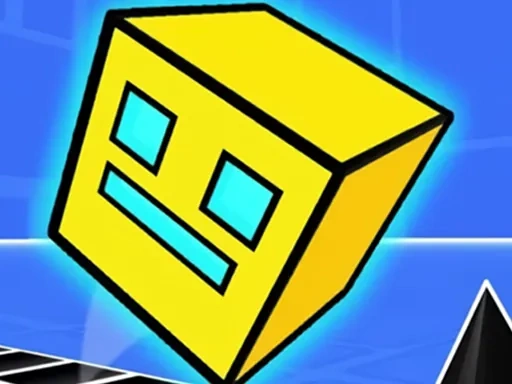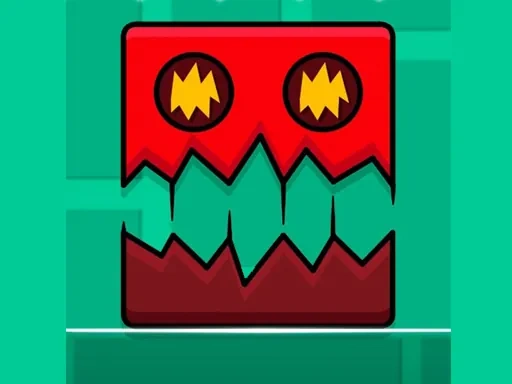
Geometry Dash Cube Adventure is a rhythm-based platformer that challenges your reflexes and timing through direct control of a dynamic cube. In this adventure, you guide your cube through a treacherous geometric world filled with hazards. The core of the experience is mastering the single, crucial action of the jump. Your success depends on observing the environment, anticipating challenges, and tapping with precise timing to navigate past sharp spikes, moving platforms, and sudden traps. As you progress in Geometry Dash Cube Adventure, levels become more complex, speed intensifies, and designs grow more intricate, demanding faster reactions and consistent skill. This game is not merely about reaching the end; it's about learning the unique rhythm of each stage, memorizing patterns, and executing flawless runs. The minimalist geometric art style pairs with a driving, energetic soundtrack that syncs with obstacles, creating an immersive audio-visual experience where every jump feels connected to the beat. The journey in Geometry Dash Cube Adventure is a relentless test of skill, patience, and persistence. Can you keep your cube intact, conquer all challenges, and truly master the dash? The satisfaction of flawlessly completing a difficult level after learning its rhythm is the ultimate reward. Prepare to engage deeply with each level's flow, where timing is everything and every mistake is a lesson. This adventure is built on a simple mechanic that unfolds into complex, satisfying challenges, inviting you to improve with each attempt and become one with the game's pulsating world.
Geometry Dash Cube Adventure Instructions
Q: How do I start playing Geometry Dash Cube Adventure?
A: Click or tap the Green Flag button to launch the game and begin your adventure.
Q: What is the main control in Geometry Dash Cube Adventure?
A: Press the Spacebar (or tap on mobile) to make your cube jump. Precise timing is essential for navigating obstacles.
Q: Can I pause Geometry Dash Cube Adventure?
A: Yes, use the Pause button in the top-left corner to temporarily stop the game. Press it again to resume.
Q: How do I save my progress in Geometry Dash Cube Adventure?
A: Use the Home button in the top-left corner. This saves your current progress and returns you to the main menu.