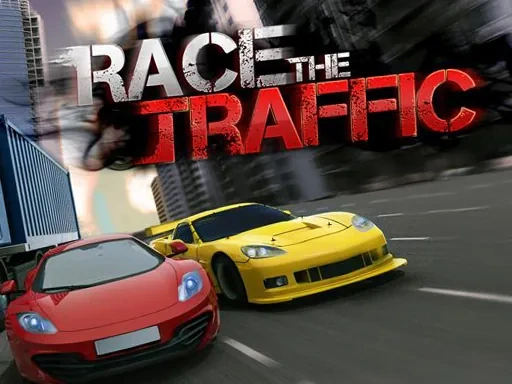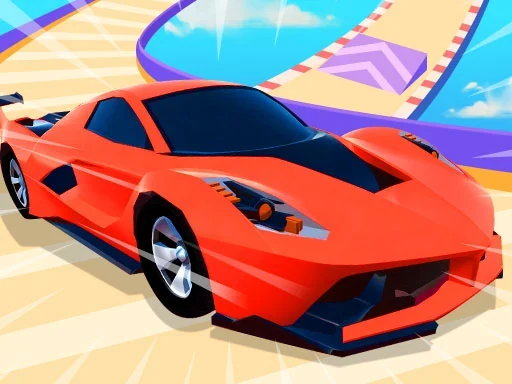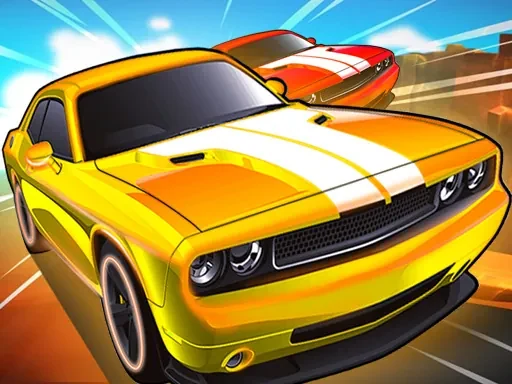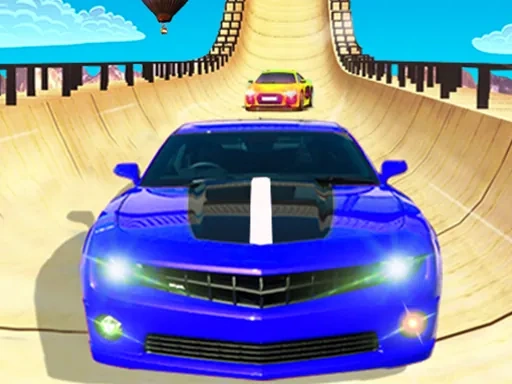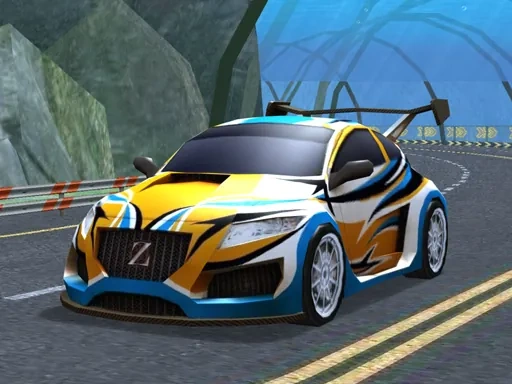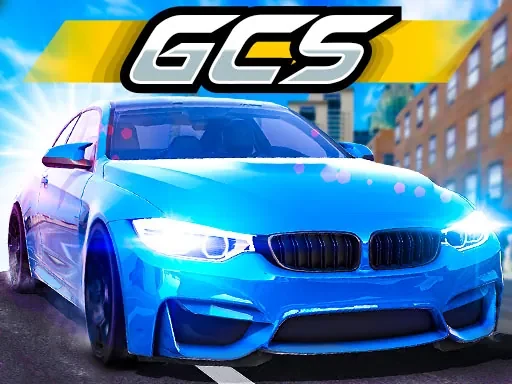
In Grand City Stunts, you take control of high-performance vehicles across a sprawling urban playground built for speed and spectacle. This isn't just another racing game—it's a test of nerve and precision where every corner, ramp, and rooftop becomes an opportunity to pull off jaw-dropping stunts. Whether you're drifting through tight alleyways, launching off overpasses, or threading the needle between moving traffic, the city rewards bold driving and quick reflexes. You can challenge CPU opponents in head-to-head races that span the entire map, or team up with a friend in local multiplayer to see who can chain the longest combo of flips and slides. The core loop is simple: finish first, earn rewards, and unlock tougher events that push your skills to the limit. Grand City Stunts strips away unnecessary fluff—no story mode, no upgrade trees, just pure arcade action where your driving speaks for itself. The open-ended city layout means every race can take a different route, and mastering the handbrake, nitro boost, and respawn system is key to shaving seconds off your time. If you're looking for a no-nonsense stunt racer that puts the focus squarely on driving skill and creative line choices, Grand City Stunts delivers exactly that.
Grand City Stunts Instructions
Q: How do I control my vehicle in Grand City Stunts?
A: Player 1 uses WASD to move, F for Nitro, T to Look Back, R to Respawn, and Space for Handbrake. Player 2 uses Arrow Keys to move, K for Nitro, L to Look Back, O to Respawn, and Right Shift for Handbrake.
Q: Can I play Grand City Stunts with a friend?
A: Yes, Grand City Stunts supports local two-player split-screen. Player 1 uses keyboard controls listed above, while Player 2 uses the arrow keys and nearby keys.
Q: What happens if my car gets stuck or flips over in Grand City Stunts?
A: Press the Respawn key (R for Player 1, O for Player 2) to instantly reset your vehicle to the last checkpoint or a safe position on the track.
Q: How do I use the Nitro boost in Grand City Stunts?
A: Press the Nitro key (F for Player 1, K for Player 2) to activate a temporary speed boost. Use it strategically on straightaways or after landing a stunt for maximum effect.
Q: Is there a way to look behind me during a race in Grand City Stunts?
A: Yes, press the Look Back key (T for Player 1, L for Player 2) to briefly see what's behind you. This helps you track opponents or avoid collisions when reversing.