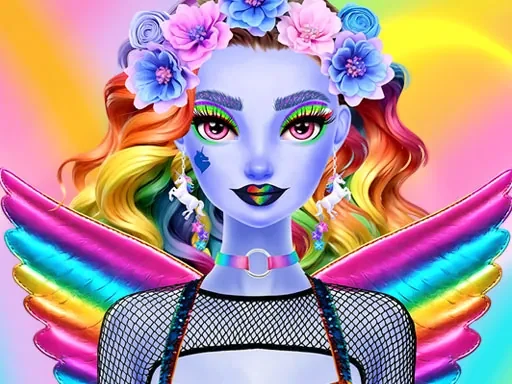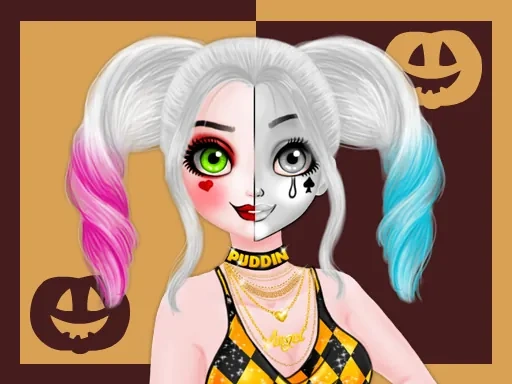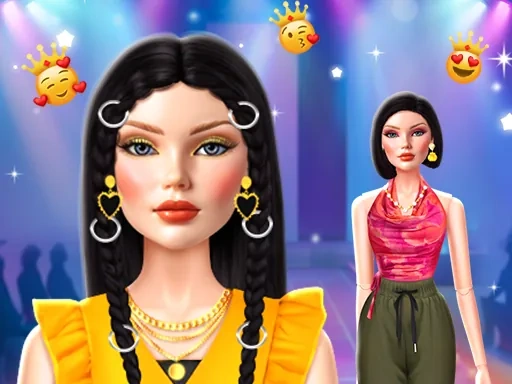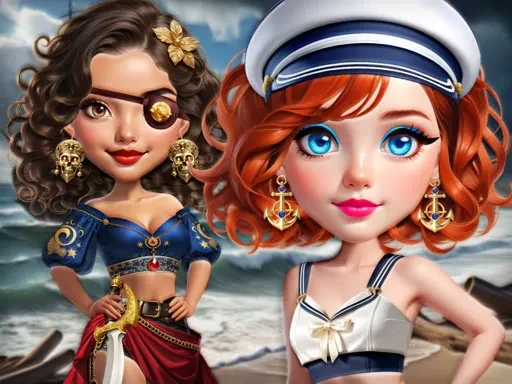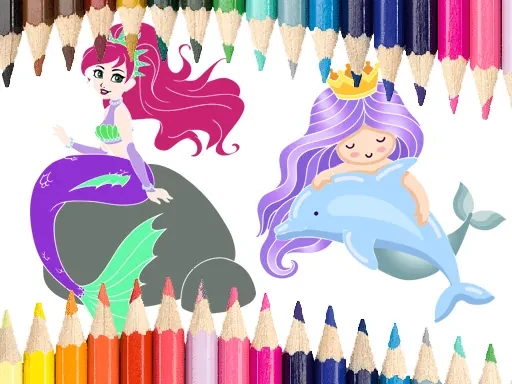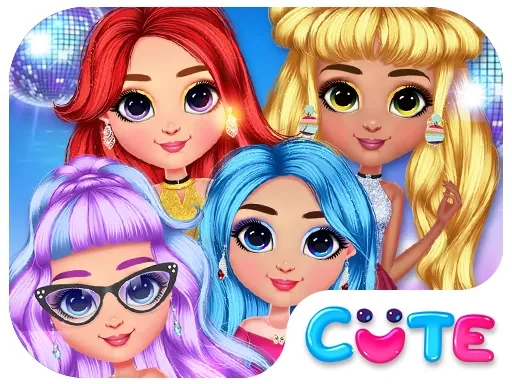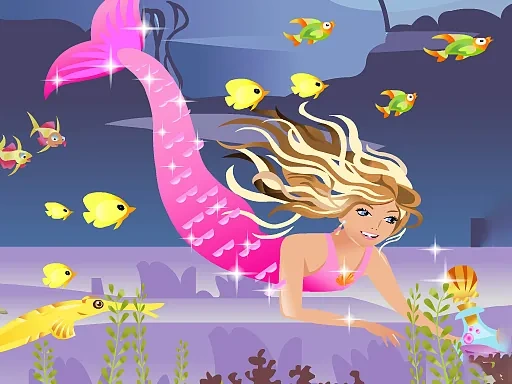
In Mermaid Change Princess, you take on the role of a stylist for an underwater royal. The game focuses on customizing your mermaid princess from head to tail, letting you mix and match makeup, dresses, and jewelry to create a unique look. Start by selecting a base outfit from a range of dress styles, from flowing sea-foam gowns to sleek pearl-studded bodices. Then, apply makeup using a palette of lipsticks, eyeshadows, and blushes in colors inspired by coral reefs and ocean depths. Add sparkling accessories like tiaras, necklaces, and bracelets, each with its own shimmering animation. As you experiment with different combinations, you unlock new items—such as rare seashell crowns or iridescent tail fins—by completing simple styling challenges. The game encourages you to refine your aesthetic vision, whether you prefer a classic princess look or a bold, modern twist. Once your mermaid is fully dressed, you can capture her portrait in a variety of underwater scenes, from sunlit kelp forests to dark grottoes. Mermaid Change Princess is designed for quick, satisfying sessions where you can focus on creativity without complex rules. Every item you choose directly affects the final appearance, so you can see your decisions come to life instantly. The interface is intuitive, with clear icons and drag-and-drop mechanics that make styling feel natural. Whether you are a fan of dress-up games or just love mermaids, this title offers a focused, relaxing experience centered on personal expression.
Mermaid chage princess Instructions
Q: How do I start playing Mermaid Change Princess?
A: Open the game and you will see a mermaid princess on the screen. Tap or click the wardrobe icon to begin selecting items.
Q: What controls can I use in Mermaid Change Princess?
A: You can use touch controls on mobile devices or the WASD keys on a keyboard to navigate menus. Drag items with your finger or mouse to apply them to the princess.
Q: How do I unlock new items in Mermaid Change Princess?
A: Complete styling challenges by dressing the princess in specific themes, such as 'Ocean Queen' or 'Coral Dancer'. Each challenge rewards you with new makeup, outfits, or accessories.
Q: Can I save my creations in Mermaid Change Princess?
A: Yes, after finishing a look, tap the camera icon to take a screenshot. The image will be saved to your device's gallery.
Q: What happens if I want to remove an item in Mermaid Change Princess?
A: Simply drag the item off the princess's body, or tap the undo button in the top-right corner to remove the last applied item.
Q: Is there a time limit in Mermaid Change Princess?
A: No, you can take as much time as you like to experiment with different styles. The game is designed for relaxed, creative play.