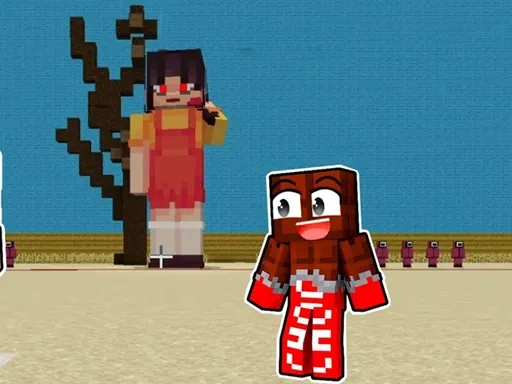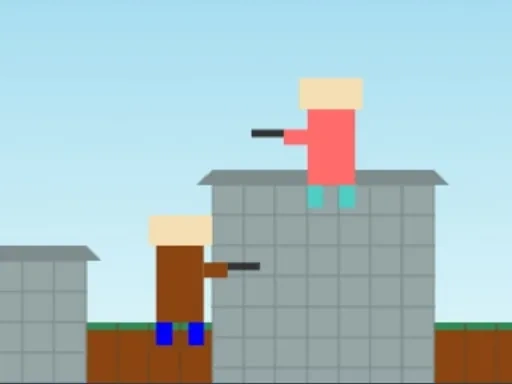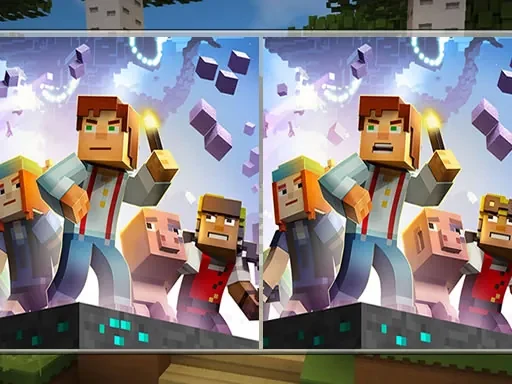
Minecraft Differences is a focused observation game that immerses you in the beloved blocky universe of Minecraft. Your core task is straightforward yet demanding: carefully examine two seemingly identical side-by-side images and pinpoint every single variation between them. The game presents ten distinct and engaging levels, each populated with familiar Minecraft characters and environments, ensuring that fans of the franchise feel right at home while testing their skills. The challenge in Minecraft Differences lies in the subtlety of the changes. The variations are intentionally designed to be hard to find, requiring sustained concentration and a sharp eye. You cannot rely on hints or prompts; success depends entirely on your own attentiveness. This design choice makes each discovery genuinely rewarding. To aid your progress, every correct difference you identify is permanently marked with a clear red circle. This visual tracker allows you to monitor your advancement through the level and prevents you from searching for items you've already found. A key aspect of mastering Minecraft Differences is adopting a methodical approach. Random or frantic clicking is discouraged, as it offers no benefit and can disrupt your focus. The game rewards patience and systematic scanning. You must compare details in the scenery, character outfits, tool placements, block patterns, and environmental elements. The differences could be a missing item, a changed color, an altered position, or a modified object shape within the iconic pixel-art style. Ultimately, Minecraft Differences is more than a simple spot-the-difference puzzle; it is a test of visual acuity and mental stamina set within a world you know and love. It invites you to slow down, engage deeply with the intricate scenes, and experience the satisfaction of uncovering well-hidden secrets. Whether you're a seasoned Minecraft player or simply enjoy detail-oriented puzzles, this game provides a compelling and immersive challenge that celebrates careful observation.
Minecraft Differences Instructions
Q: How do I play Minecraft Differences?
A: Use your mouse to click or tap directly on any difference you spot between the two side-by-side images.
Q: What happens when I find a difference in Minecraft Differences?
A: Each correct find is permanently marked with a red circle. This helps you track your progress and avoid re-checking solved areas.
Q: What is the key to success in Minecraft Differences?
A: Success relies on sharp observation and patience. Avoid random clicking; carefully and systematically compare every detail in both images.