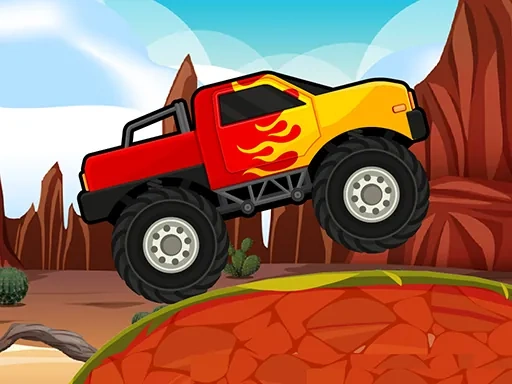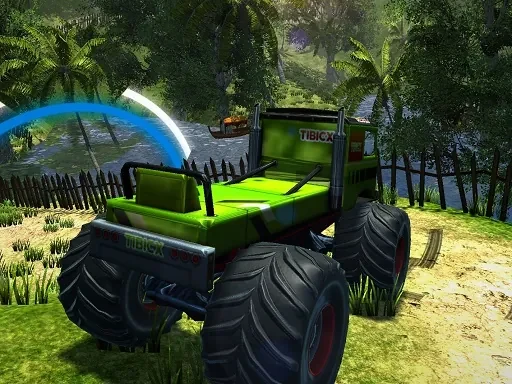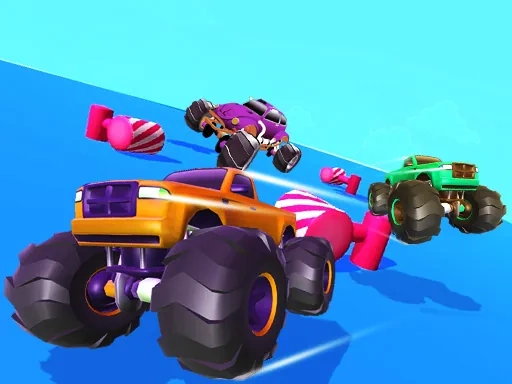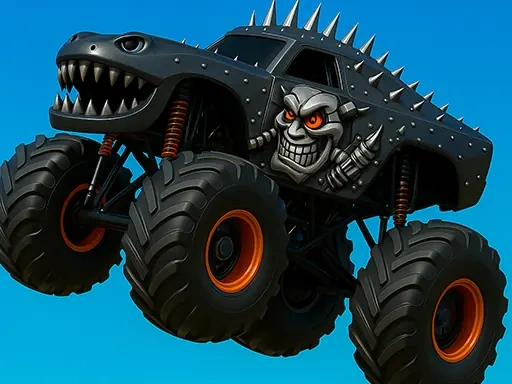
Monster Truck Zombies Game is an adrenaline-fueled arcade experience that puts you behind the wheel of the most powerful vehicles on earth to face a relentless undead horde. In this game, you don't just drive; you dominate massive arenas with colossal Bigfoot-style monster trucks, each designed to crush, smash, and plow through anything in its path. The core thrill of Monster Truck Zombies Game comes from the visceral satisfaction of high-impact collisions. You'll send zombies flying, demolish environmental obstacles, and trigger spectacular chain reactions of destruction with every press of the accelerator. The arenas are vibrant, dynamic playgrounds filled with ramps, jumps, and hazardous zones that test your driving precision and daring. As you navigate these dazzling courses, you'll need to collect a variety of quirky and essential power-ups scattered throughout the environment. These range from temporary speed boosts and invincibility shields to special smash attacks that clear the path of multiple zombies at once. Strategy in Monster Truck Zombies Game isn't just about brute force; it's about knowing when to grab a power-up, when to take a risky shortcut, and how to chain your movements for maximum score and efficiency. Every successful run in Monster Truck Zombies Game is a celebration of automotive power and survival instinct. The game challenges you to master the weight and physics of your massive truck, learning to control its drifts and landings while under constant pressure from the encroaching undead. The goal is clear: zoom past, smash through, and utterly overwhelm the zombie menace. Each crushing victory, each narrow escape, and each perfectly executed jump adds to your score and unlocks new arenas, trucks, and customization options, making every session in Monster Truck Zombies Game a fresh and exhilarating test of skill and nerve.
Monster Truck Zombies Game Instructions
Q: How do I control my truck in Monster Truck Zombies Game?
A: Use the W key or UP arrow to drive Forward, the S key or DOWN arrow to move Back, the A key or LEFT arrow to steer Left, and the D key or RIGHT arrow to steer Right. All menu navigation and selections are done with a simple mouse click.