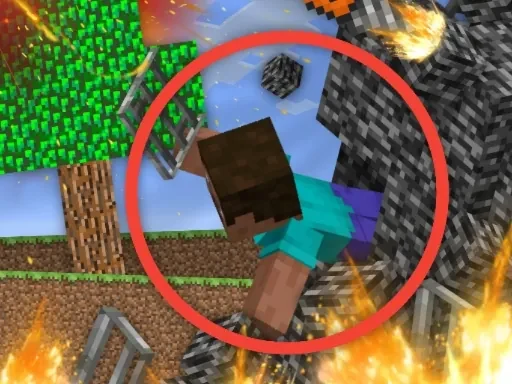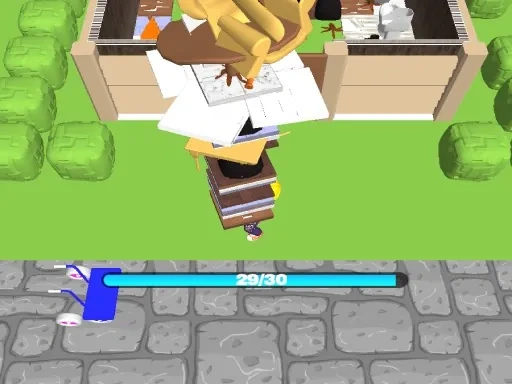
Draw a skin for Mineblock with physics is a unique sandbox experience that masterfully blends creative design with interactive physical simulation. At its core, the game invites you to become a digital artisan, crafting distinctive character skins from a vibrant palette of colorful blocks on a detailed pixel grid. This is more than just static art creation; it's the first step in building a dynamic entity governed by realistic physics. Once your custom skin is complete, the title's promise truly comes to life. You transition from creator to experimental physicist in a dedicated playground. Here, you can subject your meticulously designed Mineblock skin to a variety of forces. Trigger controlled explosions to see your creation shatter and fragment in a satisfying, physics-driven cascade. Alternatively, meticulously dismantle it piece by piece, observing how the individual blocks interact, tumble, and settle under simulated gravity and collision. The entire process is a loop of creativity and analysis: design, test, observe, and redesign. Whether you aim to build a structurally sound skin that withstands impacts or deliberately engineer a fragile masterpiece for spectacular destruction, Draw a skin for Mineblock with physics provides the tools and the realistic physical framework to make it happen. It transforms skin design from a purely aesthetic task into a hands-on lesson in creativity, construction, and dynamic destruction.
Draw a skin for Mineblock with physics Instructions
Q: How do I start designing my skin in Draw a skin for Mineblock with physics?
A: Begin by selecting your preferred colors and block types from the toolbar. Then, click directly on the pixel grid to place blocks and build your unique character skin. Utilize the special swap function to easily change block positions or types during your design process.
Q: What can I do with my creation after designing it in Draw a skin for Mineblock with physics?
A: Take your skin to the physics playground! Here, you can experiment by applying explosive forces to see it react and break apart, or manually dismantle it to observe how the individual components behave under realistic physical forces like gravity and collision.